For students & postdocs
Choose an advisor, a lab, or a sponsor with their research record in front of you.
Every researcher profile shows publications by year, patents, a funding history, and the people they publish with, whether or not they've signed up. Follow the ones you're considering and message the ones you've chosen. Put your own work where sponsors search. All of it on the Free plan.
Free plan · No credit card required
A lab website shows the papers the group is proud of
It doesn't show whether the funding is current, who the principal investigator actually publishes with, whether the group's patents went anywhere, or whether the person has said they're open to taking on someone new. Those are the questions that decide the next three to five years of your life, and the answers are in their research record, not on their website.
The platform puts that record on one page per researcher, for 500,000+ of them.
Use cases
Four things students and postdocs can do here
Find your next advisor, lab, or research group
Filter Discover → Researchers by field, country, and organization, then open a profile: publications by year, patents, a funding history built from what they've published on, and the people they publish with. Look for the Open to mentoring badge on their card in Discover, and for Student Programs under Open to collaborating on, on the profile. Follow them, and their new papers appear on your dashboard.
Read the walkthrough →Find a corporate sponsor for a thesis, capstone, or fellowship
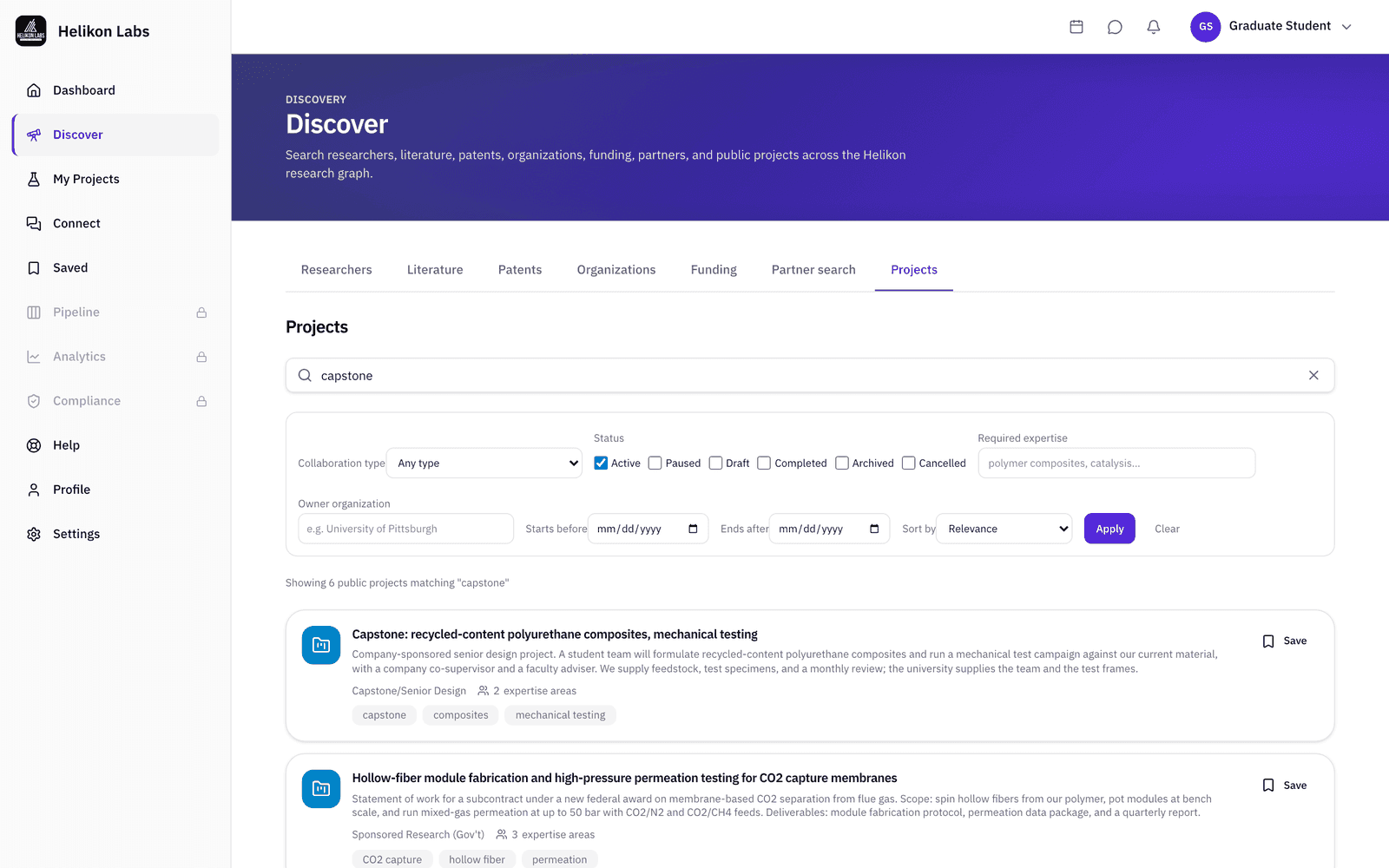
Post a project describing the work and the expertise it needs, set it visible to everyone, and it goes live in Discover → Projects, where industry members browse by collaboration category. Filter the same tab to Student Programs to see what others have posted, and read industry members' collaboration preferences on their profiles before you write to them.
Read the walkthrough →Be found for your work
Publications from your ORCID iD or OpenAlex author record, patents from USPTO, up to 20 expertise keywords, a bio, and the documents you choose to attach. Your name, role, and institution are findable in web search, and signed-in members see the rest. If you've already published, claim the record that exists for you instead of starting from a blank page.
Read the walkthrough →Keep up with the people and topics you care about
Follow up to 50 researchers and their latest publications show up on your dashboard. Save papers, patents, people, organizations, projects, and funding calls with private notes and tags. A daily or weekly email digest covers your messages, meeting requests, new followers, and project activity, and separate emails bring you new funding calls and newly suggested researchers.
Read the walkthrough →It's Free, and Free is permanent
No credit card, and nothing that switches off after two weeks. Free includes unlimited searches across researchers, literature, patents, organizations, and funding. It also gives you 4 suggested researchers on your dashboard (refreshed weekly), 10 AI match analyses a month, 10 new people messaged a month, 50 follows, 50 saved items and 2 active projects. Upgrade to Pro when you need higher limits.
Built on our own research
“Catalyzing Strategic Partnerships: Digital Transformation of University–Industry Collaborations for Synchronized Innovation”
Flowers & Roadman (2024). R&D Management Conference, Stockholm. Andrew Flowers, Helikon Labs’ founder, led the study, including a survey of faculty at five R1 universities.
Sources: OpenAlex, USPTO, ROR, Grants.gov, and funder award databases.
Questions students ask first
- Can I message a professor who isn't on the platform?
- Yes. Every researcher in the corpus has a profile page. An unclaimed one offers Invite to Helikon in place of Message, and the platform emails the invitation (10 per month on Free). When they join and you write, write the way you'd write to anyone you haven't met: which paper of theirs you read, what you want, and why them.
- Does the mentoring badge mean they're taking students?
- It means they turned it on. Open to mentoring is opt-in and shows on the researcher's card in Discover, so it's a signal the researcher chose to send, not one the platform inferred. Read it alongside the Funding tab and the last two years of publications.
- I haven't published yet. Is there a profile for me?
- Not in the corpus, which is built from the published record. Sign up and build one: affiliation, bio, keywords, documents, and collaboration preferences. Match suggestions turn on once the profile has an institution, a primary role, at least three keywords, and a bio of 120 characters or more.
Read their research record before you write the email
Pick three groups you're considering, follow all three, and see whose work you're still reading a month from now.
Free plan · No credit card required